
IOS

A Deep Dive into iOS 17:

New Features and What They Mean for Users
Discuss the latest features and improvements introduced in iOS 17, such as updates to the lock screen, widgets, privacy settings, and enhanced app functionalities.

How iOS Powers the Future of Mobile Development? Highlight how Apple's iOS platform is pushing the boundaries of mobile technology with Swift programming, app development, and innovative tools like ARKit and CoreML.

How to Maximize Battery Life on iOS Devices: Tips and Tricks

Architecture and iOS
"Building Architecture Apps for iOS: How iPad and iPhone Are Changing Design" Explore how architects use iOS devices in their work, from sketching building plans to viewing 3D models and collaborating remotely with clients.
"Top iOS Apps Every Architect Should Use in 2025".

...
IOS Key Features

User Interface (UI):
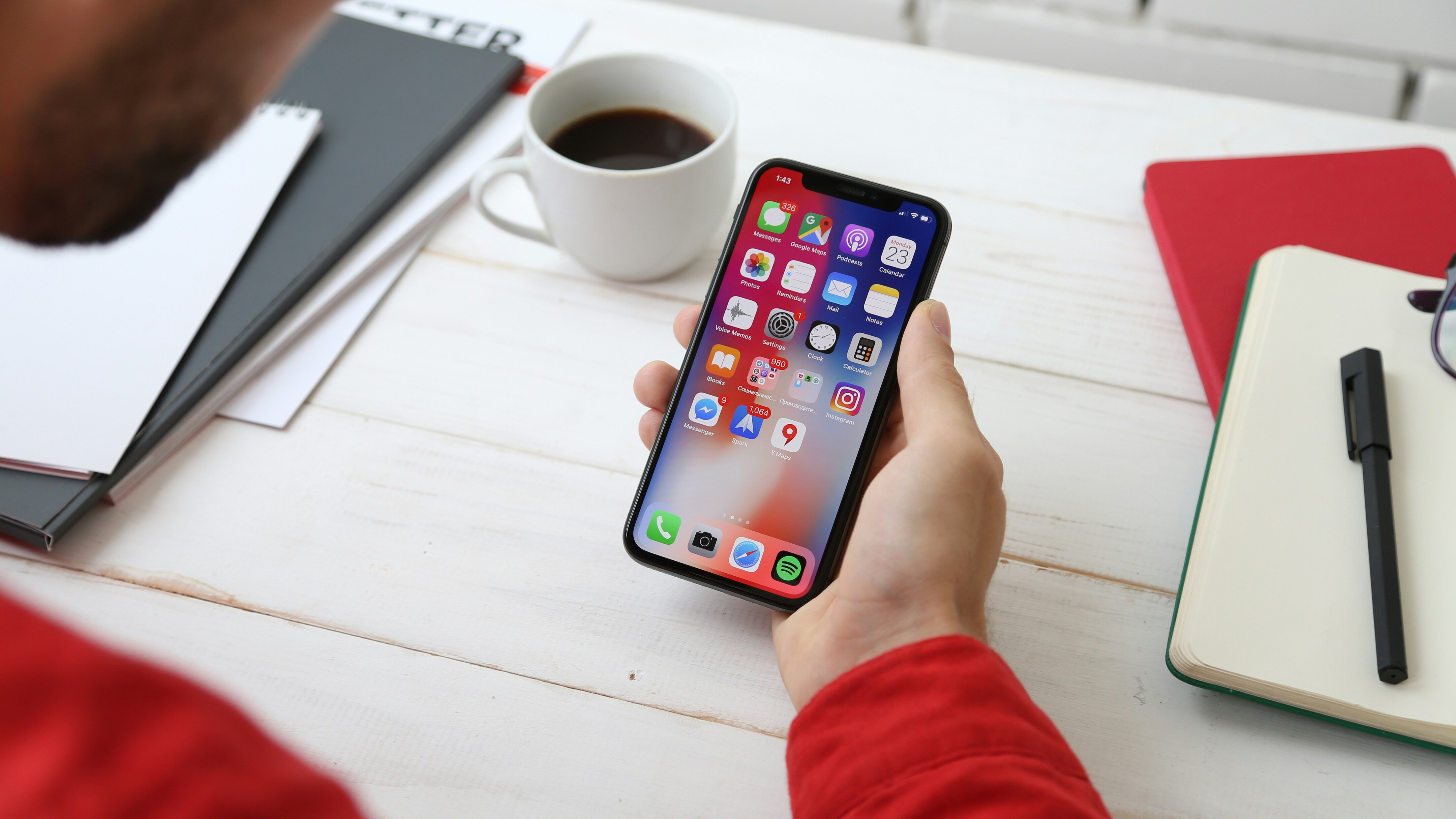
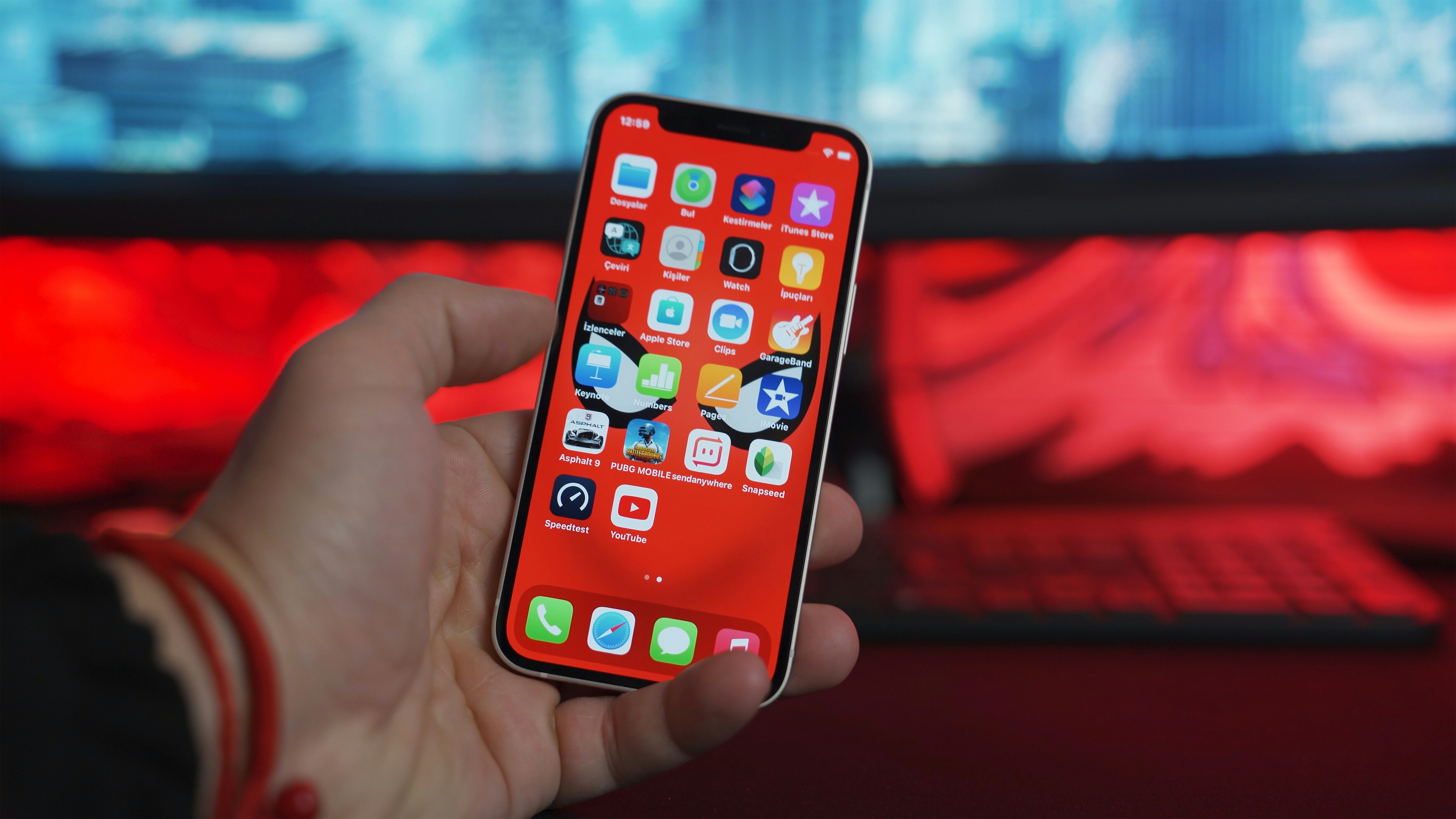
iOS provides a simple, intuitive, and smooth user interface, optimized for touch gestures like tapping, swiping, and pinching. This makes it easy to navigate and interact with apps and settings.

App Store:
iOS supports a vast library of applications available for download from the App Store, where users can find everything from games and social media apps to productivity tools and entertainment.

Security:
iOS is known for its robust security features, such as Face ID and Touch ID for authentication, and regular software updates to protect against vulnerabilities.
It also has strict app review processes to ensure apps are secure and reliable.

Siri:
Siri is iOS's built-in voice assistant, helping users perform tasks like setting reminders, sending messages, or controlling smart home devices through voice commands.

iCloud Integration:
iOS offers seamless cloud storage through iCloud, allowing users to back up data, sync files across Apple devices, and store photos, music, documents, and more.

...

IOS latest versions ten advance features!

As of iOS 17 (the latest major iOS version released in September 2023), Apple introduced many exciting new features, improvements, and enhancements. Here are ten advanced features in iOS 17:

1. StandBy Mode

  • StandBy is a new feature that turns your iPhone into a smart display when it's charging in landscape orientation.
  • You can view a clock, calendar, photos, or even widgets that provide real-time updates, making it an ideal feature when the phone is docked on a nightstand or charging pad.

2. Interactive Widgets

  • Widgets are now more interactive in iOS 17. You can take action directly from the home screen or lock screen, like checking off a to-do list item or controlling music without opening apps.
  • For example, you can play/pause a song, toggle smart home devices, or mark tasks as completed directly from the widget.

3. Journal App

  • Journal is a new app introduced in iOS 17 designed to help you document your thoughts, experiences, and memories.
  • It integrates with other features, like photos, music, and workouts, allowing you to easily add context to your journal entries.

4. Contact Posters

  • A Contact Poster lets you customize how you appear when calling someone. You can choose a photo or Memoji, set a background, and even style your name, giving a personalized look for your calls.
  • This feature enhances the visual experience when receiving or making calls.

...

5. Live Voicemail

  • Live Voicemail provides real-time transcription of incoming voicemail messages as they are being left. This lets you see the message as the caller is speaking, allowing you to decide whether to pick up the call right away or let it continue.
  • This feature helps filter spam calls and gives users more control over how they respond.

6. Improved AirDrop with NameDrop

  • NameDrop allows users to easily share contacts by bringing their iPhones close together. It lets you transfer contact information with just a tap, making the process quick and seamless.
  • AirDrop is also improved with the ability to send larger files or share content over the internet when nearby devices are not available.

7. Interactive Map & Offline Maps

  • Offline Maps is a useful feature for users who want to access maps even when they don’t have an internet connection. You can now download regions or areas and access them on your iPhone anytime.
  • Additionally, Interactive Map improvements provide enhanced, more accurate location tracking, including 3D views and better navigation in certain areas.

...

8. Improved Auto-correct and Text Prediction

  • iOS 17 introduces an even more advanced auto-correct system that predicts and corrects your text more intelligently, including more accurate suggestions for grammar and word usage.
  • It also features better predictive typing that can anticipate your next words based on context, significantly improving texting speed and accuracy.

9. Safari Profiles and Enhanced Privacy

  • Profiles in Safari allow users to set up different browsing environments (work, personal, etc.), with separate cookies, bookmarks, and browsing histories.
  • iOS 17 also includes more robust privacy features, including improved protections against online tracking, a redesigned password manager, and stronger safeguards for sensitive data.

10. Mental Health and Vision Health Features

  • Mental Health tracking has been added to the Health app, allowing users to track their mood, stress, and well-being.
  • Vision Health includes features to monitor and reduce the risk of nearsightedness (myopia) by prompting users to take breaks from screen time and get more sunlight exposure.