
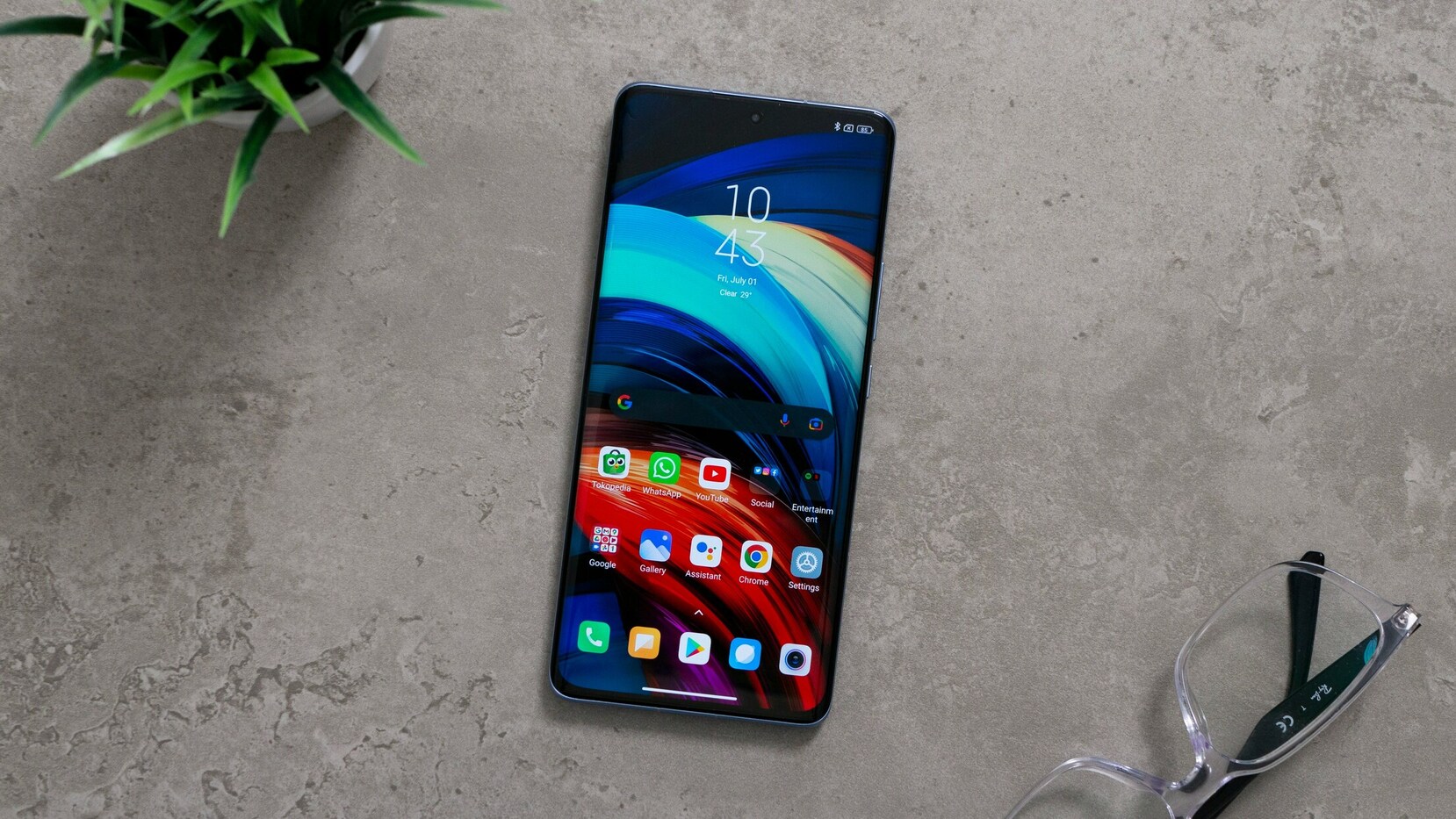

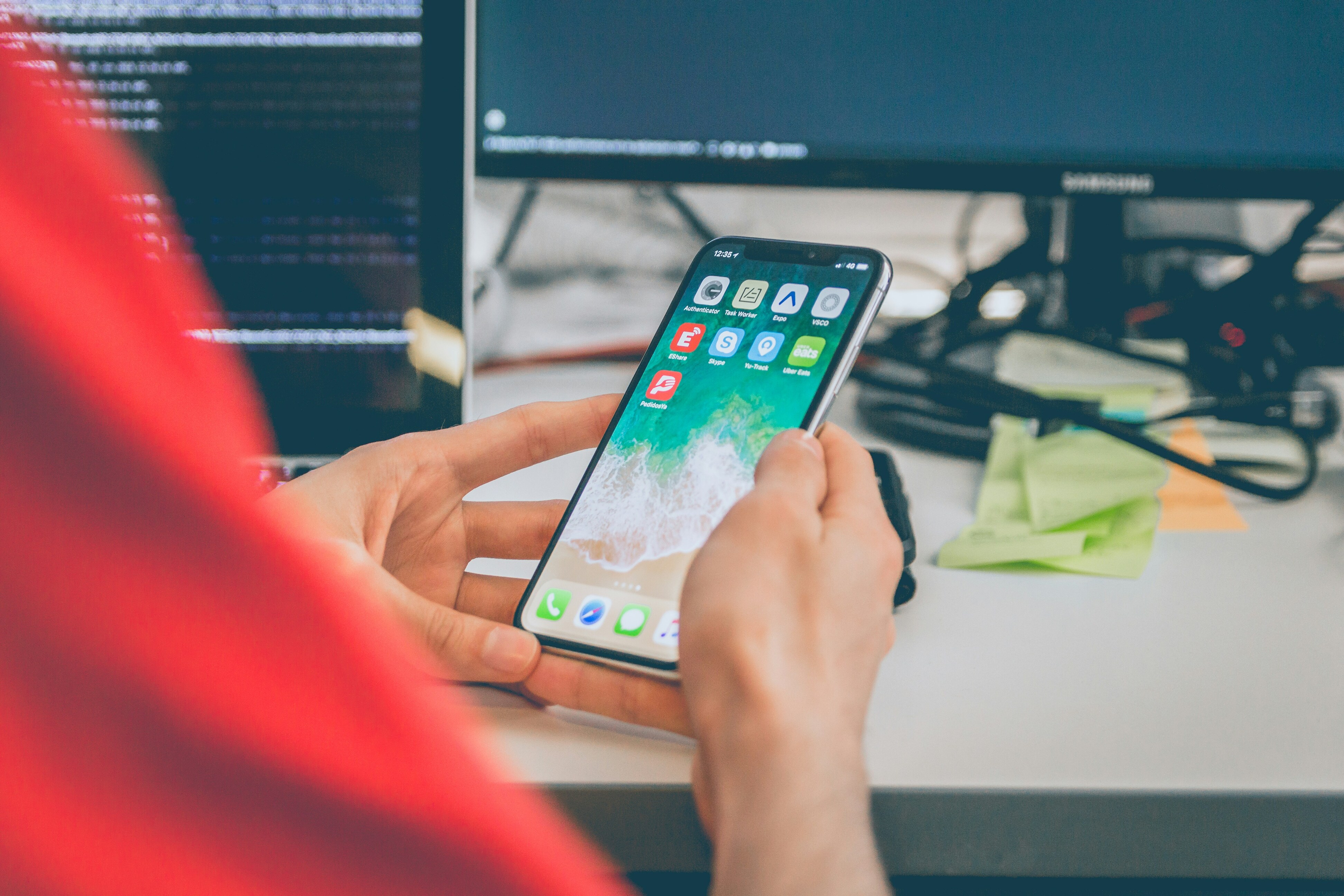
A mobile application (often called a mobile app) is a software program designed to run on a
mobile device such as a smartphone or tablet. Mobile apps are typically designed to perform
specific tasks, ranging from simple functions like taking notes or playing music to more
complex ones like managing finances or providing social media platforms.
There are two main types of mobile apps:
1. Native Apps: These are designed and developed specifically for a particular operating
system (iOS, Android). They use the device's hardware and software features directly, offering
better performance and user experience.
2. Web Apps: These are accessed through a mobile browser and are not downloaded
from an app store. They are essentially websites that are optimized for mobile use.
Mobile apps can be used for various purposes, including entertainment (e.g., games),
productivity (e.g., task managers), social networking, communication, shopping, and much more.
They are typically downloaded from app stores like the Apple App Store or Google Play Store.
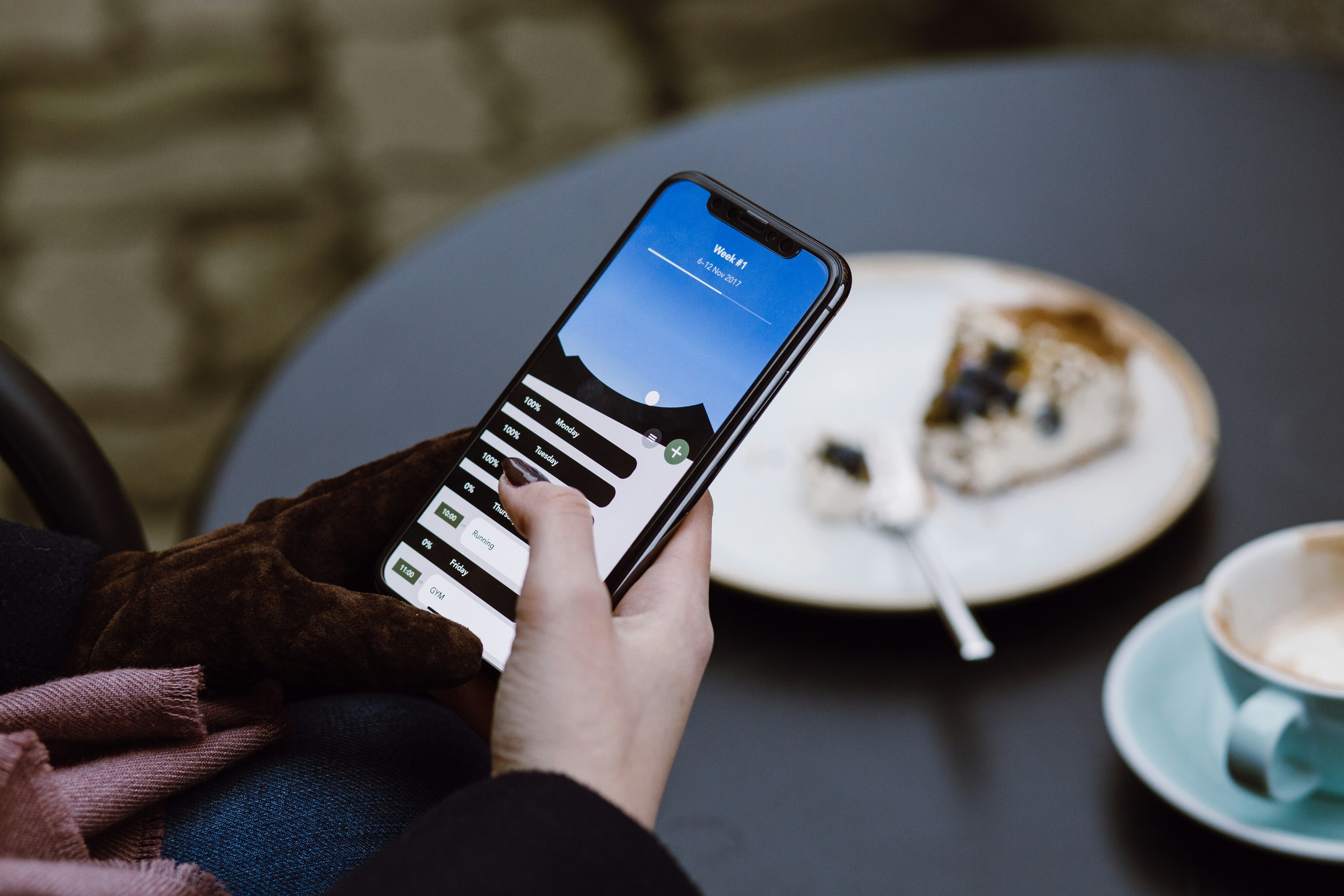
Mobile applications come with a variety of features that contribute to their functionality and user
experience. Here are some of the most common and important features of mobile applications:
1. User Interface (UI) & User Experience (UX) Design:
UI refers to the layout, buttons, icons, and other visual elements that users interact with.
UX focuses on how users feel when using the app, such as ease of use, intuitive navigation,
and responsiveness.
2. Push Notifications:
These are alerts or messages sent to users even when the app is not actively in use, keeping users informed
about updates, promotions, or reminders.
3. Authentication & Security:
Login and Registration: Many apps require users to sign in with credentials like email, social media accounts, or biometric methods (fingerprint, face recognition).
Data Encryption: Ensures secure transactions and protects sensitive user information.
4. Offline Mode:
Some apps allow users to continue using the app without an internet connection, storing data locally on the
device until a connection is available.
5. Geolocation Services:
Apps can access the device’s GPS to provide location-based services like maps, nearby places, or customized offers
based on the user's current location.

Native apps are mobile applications that are specifically developed for a particular mobile
operating system, such as iOS (for Apple devices) or Android (for devices running Google’s Android
OS). These apps are built using the programming languages and tools recommended by the platform's
developer (e.g., Swift or Objective-C for iOS, and Java or Kotlin for Android).
Key Characteristics of Native Apps:
1. Platform-Specific Development:
Native apps are designed to run on a specific platform (iOS or Android), meaning developers write
different versions of the app for each platform.
For example, an app created for iOS will use Xcode as the development environment and be written in
Swift, while an Android app will use Android Studio and be written in Java or Kotlin.
2. Access to Device Features:
Native apps have full access to a device's hardware and software
features like camera, GPS, microphone, accelerometer, push notifications, and more. This allows
native apps to provide a seamless and optimized user experience.
3. Performance:
Native apps tend to perform better than other types of apps because they are directly built for the
operating system, resulting in faster load times and smoother interactions. They can utilize the
full potential of the device’s hardware.
4. App Store Distribution:
Native apps are typically distributed via app stores like Apple
App Store or Google Play Store, where users can download and install them.
5. User Experience:
Native apps can provide a high-quality, consistent, and platform-specific
user experience. They are designed to align with the design guidelines and best practices of the
platform, which enhances usability and familiarity for users.
6. Offline Functionality:
Native apps can often function offline or with limited connectivity,
storing data locally on the device when no internet connection is available.
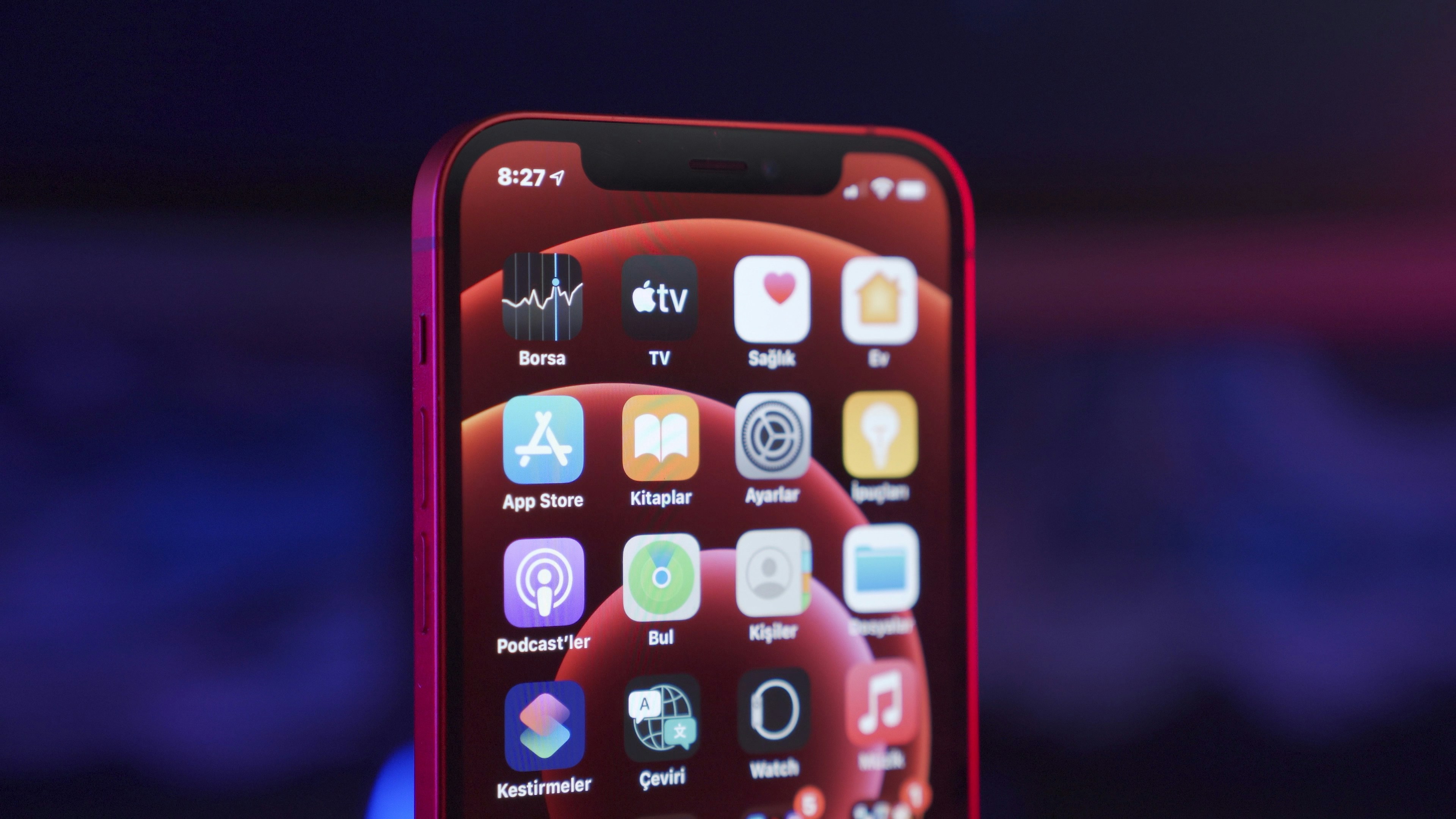
Web apps in the context of mobile applications refer to applications that are accessed and interacted
with through a mobile device's web browser, rather than being downloaded and installed directly from
an app store. These apps are essentially websites that are designed to behave like native mobile
apps, offering similar functionality and a mobile-friendly experience.
Key Characteristics of Web Apps:
1. Browser-Based::
Web apps run inside a web browser (e.g., Safari, Chrome, Firefox), so they don’t need to be
downloaded from an app store. Users access them via a URL (web address).
2. Responsive Design:
Web apps are designed with responsive design principles, meaning they automatically adjust to fit
different screen sizes (smartphones, tablets, or desktops) and look great on mobile devices.
3. No Installation Required:
Unlike native apps, web apps don’t require installation. Users can simply open them using a browser.
They can also be added to the home screen on mobile devices (using "Add to Home Screen" options),
giving users a more app-like experience.
4. Platform Independence:
Web apps are not tied to any specific operating system. They work across multiple platforms
(iOS, Android, Windows, etc.) as long as there is a web browser available.
5. Relies on Internet Connection:
Most web apps require an active internet connection to function. However, some can be designed to
work offline by storing data locally in the browser (using technologies like Service Workers).
6. Limited Device Access:
Web apps can access only some device features (e.g., camera, GPS, microphone) through browser
capabilities, but they generally have less access to the device’s hardware compared to native apps.
6. No App Store Distribution:
Since they are not downloadable from app stores, web apps don’t go through the approval process of
stores like Apple App Store or Google Play Store, making distribution easier.
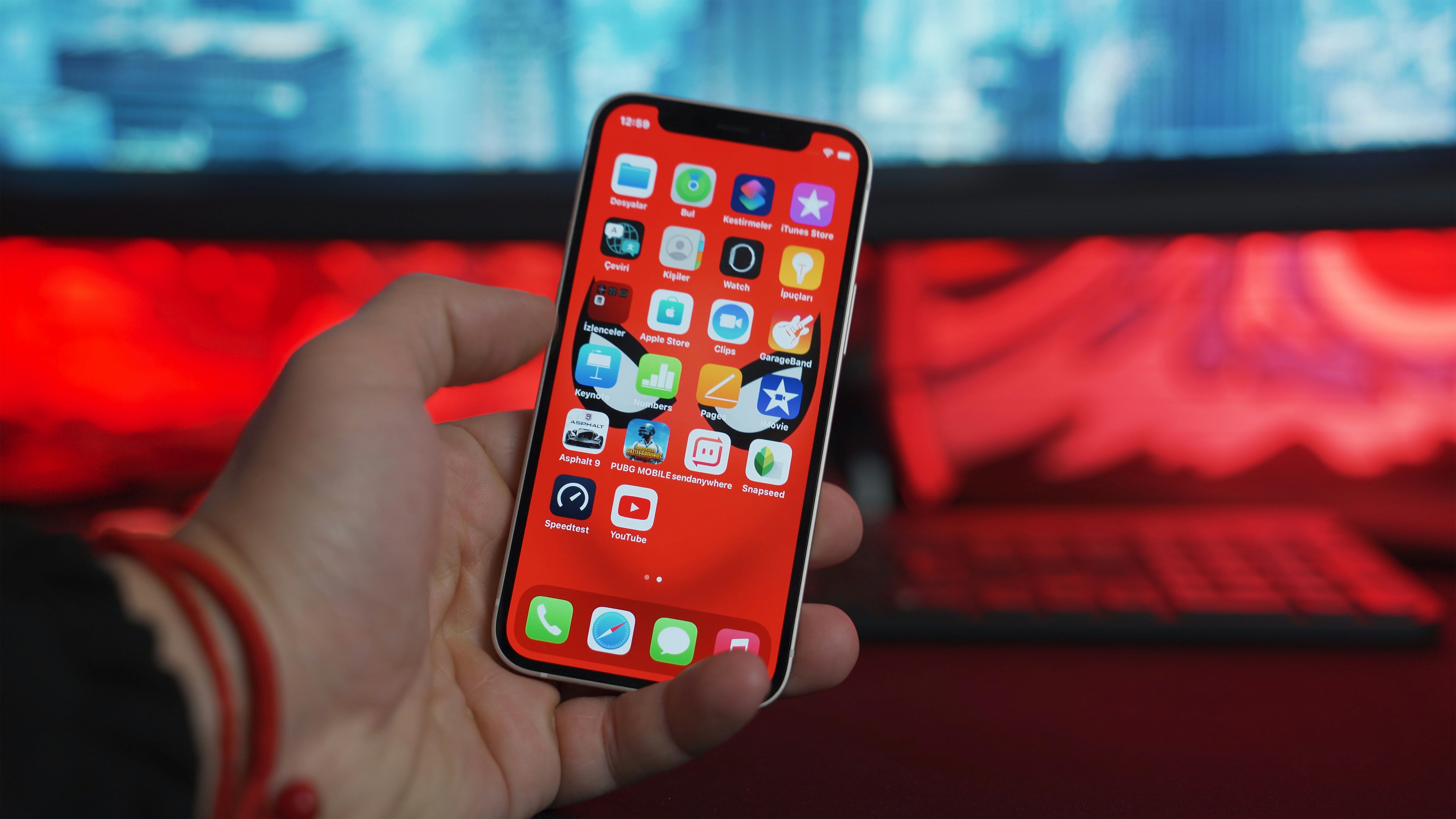
Becoming a mobile app developer requires learning the necessary skills, gaining hands-on experience,
and understanding the tools and technologies needed to develop apps for mobile devices.
Here's a step-by-step guide on how to become a mobile app developer:
1. Choose Your Platform (iOS or Android):
iOS Developer: If you're interested in developing apps for Apple's devices (iPhone, iPad, etc.)
, you'll focus on iOS development.
Android Developer: If you're interested in developing apps for Android devices
(smartphones, tablets, etc.), you'll focus on Android development.
You can choose to specialize in one platform or become a cross-platform developer
(developing apps for both iOS and Android).
2. Learn Programming Languages
For iOS Development:
Swift: The primary programming language for iOS app development. It’s modern, powerful, and
easy to learn.
Objective-C: An older language used in iOS development, though Swift is now the preferred
choice.
For Android Development:
Java: The traditional language for Android development.
Kotlin: A more modern, concise, and expressive language that is now officially recommended for
Android development.
For Cross-Platform Development:
Flutter (Dart): A framework for building natively compiled applications for mobile, web, and
desktop using a single codebase.
React Native (JavaScript/TypeScript): A framework for building mobile apps using JavaScript and
React.
Xamarin (C#): A framework for cross-platform development using C#.
3. Get Familiar with Development Tools
Xcode (iOS): Apple's official IDE (Integrated Development Environment) for iOS app development. You'll use Xcode to write code, design the UI, and test your apps.
Android Studio (Android): official IDE for Android app development. It provides tools for coding, designing, and testing Android apps.
Cross-Platform Tools:
Flutter: Use the Flutter SDK along with tools like Android Studio or Visual Studio Code.
React Native: Use tools like Visual Studio Code or WebStorm to work with React Native.
4. Understand App Design Principles (UI/UX)
Learn the design guidelines and principles for your chosen platform:
iOS Human Interface Guidelines (iOS design patterns).
Material Design (Android design patterns).
Familiarize yourself with tools like Sketch, Figma, or Adobe XD for designing user interfaces
(UI) and user experiences (UX).
5. Learn About APIs and Databases
APIs: Mobile apps often rely on APIs (Application Programming Interfaces) to communicate
with web services or external servers. Learn how to make requests, handle data, and interact
with RESTful APIs.
Databases: Understand how to store and retrieve data locally or remotely.
For local storage, you’ll need to learn:
Core Data (iOS).
Room Database or SQLite (Android).
6. Understand Mobile App Architecture
Learn about common design patterns and architectures like:
MVC (Model-View-Controller): A design pattern used in iOS development.
MVVM (Model-View-ViewModel): Used in both iOS and Android development.
MVP (Model-View-Presenter): Common in Android development.
These help structure your app in a maintainable way.
7. Practice by Building Simple Apps
Start by building basic apps like:
A to-do list app.
A calculator app.
A weather app using public APIs.
This will help you get hands-on experience with coding, debugging, and deploying apps.
Summary:
To become a mobile app developer, you need to:
Choose a platform (iOS or Android).
Learn programming languages like Swift (iOS), Kotlin/Java (Android), or Dart (Flutter
Get familiar with development tools like Xcode (iOS) and Android Studio.
Understand app design principles and user experience (UX).
Build hands-on experience by developing simple apps and exploring more complex features.
Stay up-to-date with new tools, frameworks, and best practices.
Publish your work, get feedback, and grow your portfolio.
The journey involves continuous learning, so be patient and stay curious as you develop your skills.

Mobile applications offer a wide range of benefits, both for users and businesses.
Here are some key benefits of mobile apps:
1. Convenience and Accessibility
24/7 Accessibility:
Mobile apps allow users to access services and information anytime and anywhere. Whether it’s shopping, banking, or
checking social media, apps provide constant availability.
Ease of Use: Mobile apps are typically designed for a seamless user experience with intuitive interfaces, making
tasks easier and faster.
2. Better User Experience (UX)
Optimized Performance:
Since mobile apps are built specifically for mobile devices, they can offer faster performance,
smoother animations, and a more responsive experience compared to mobile websites.
Offline Functionality: Many mobile apps offer offline modes, allowing users to interact
with the app without needing an internet connection (e.g., accessing saved data or using some
features).
3. Personalization
Customized Content: Mobile apps can track user preferences and behaviors, offering personalized content,
product recommendations, and notifications based on their activity.
Location-Based Services: Apps can use GPS to provide location-based features like nearby services, promotions, or directions, enhancing the user experience.
4. Push Notifications
Direct Engagement: Mobile apps allow businesses to send real-time push notifications directly to users.
This feature is useful for sending important updates, promotions, or reminders, keeping users engaged and
informed.
Increased Retention: Push notifications help bring users back to the app, improving user retention rates
by maintaining consistent communication.
5. Better Security
Data Encryption:
Many mobile apps include strong encryption and security protocols to ensure that user data is
protected.
Biometric Authentication: Apps can use advanced authentication methods like fingerprint
recognition, Face ID, or two-factor authentication to provide additional layers of security.
6. Brand Presence and Recognition
Increased Visibility: A well-designed mobile app increases your brand presence on users'
devices. Being on a user’s home screen helps reinforce brand recognition and builds a stronger
connection with customers.
Direct Communication Channel: Mobile apps serve as a direct communication channel
between businesses and users, whether for customer support or delivering important updates.